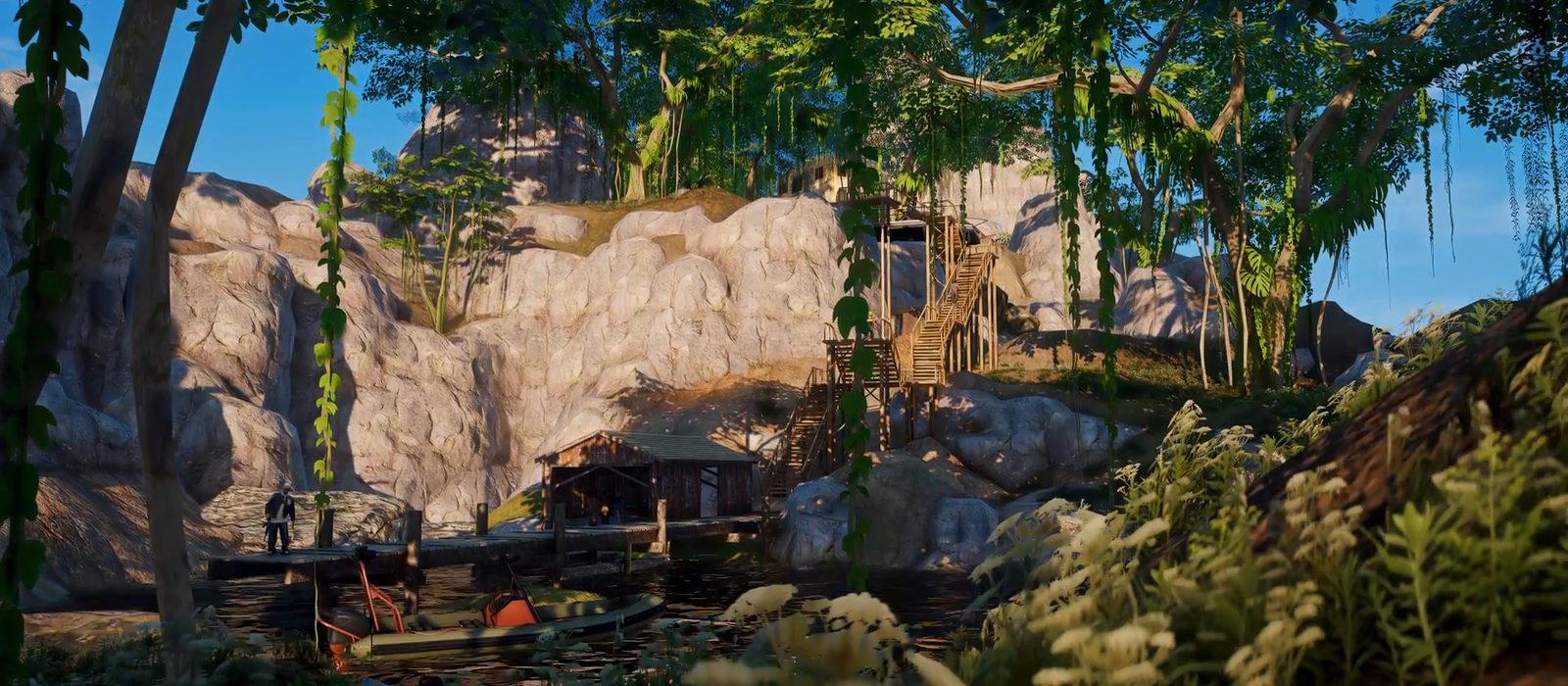
Overview
Install Narcos Island on your FiveM server with this guide to resource setup, map coordinates and configuration.
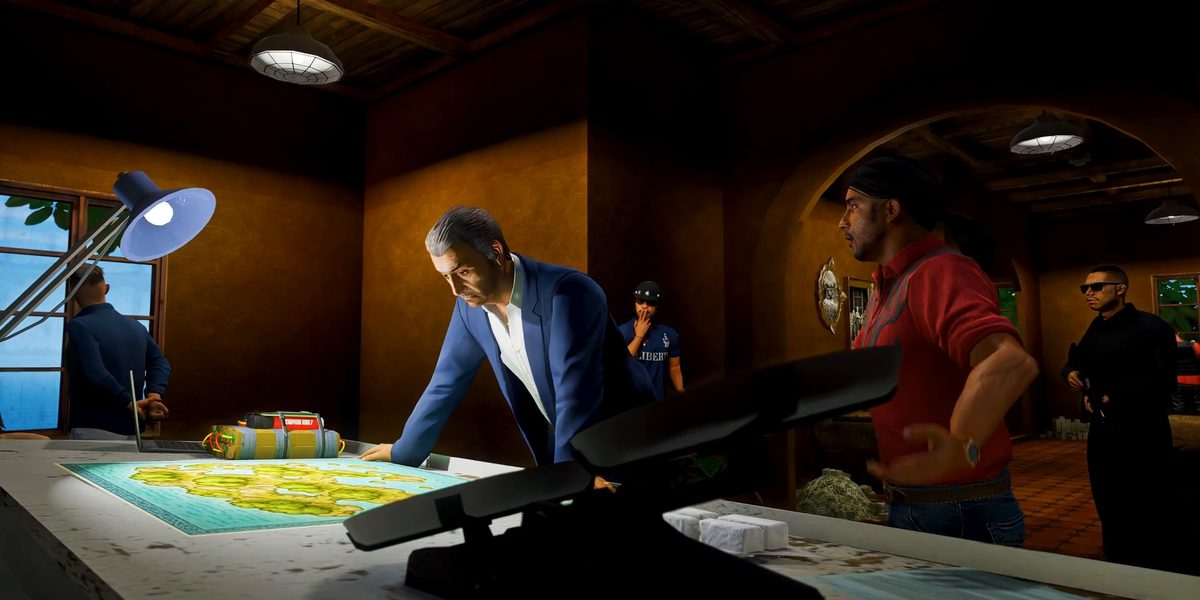
In-game screenshots
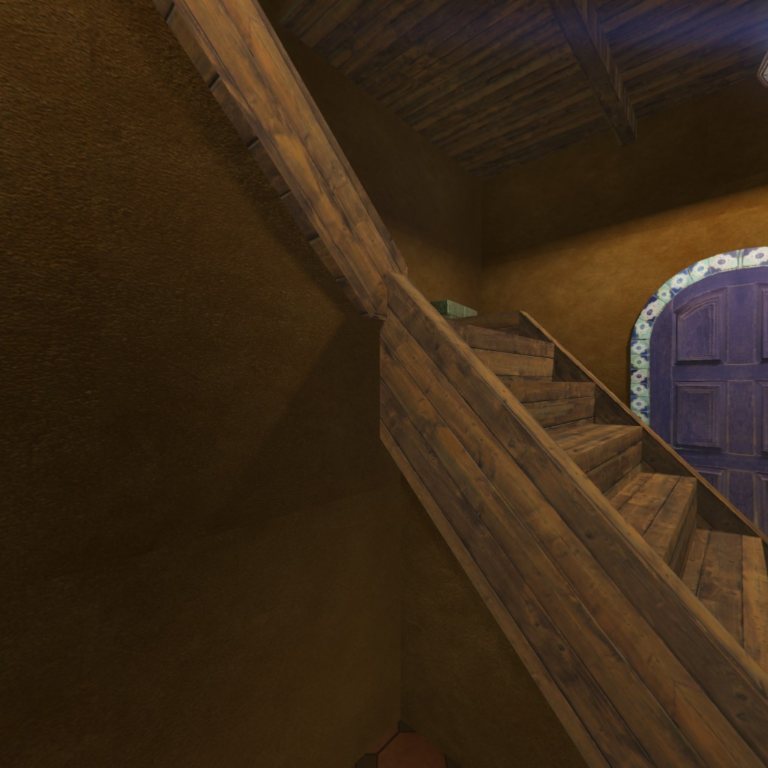
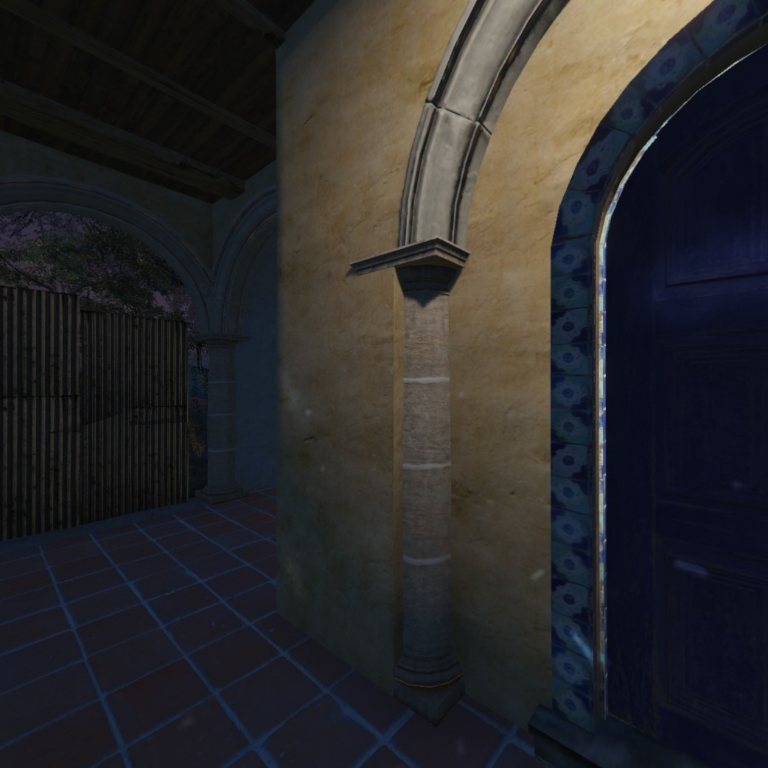
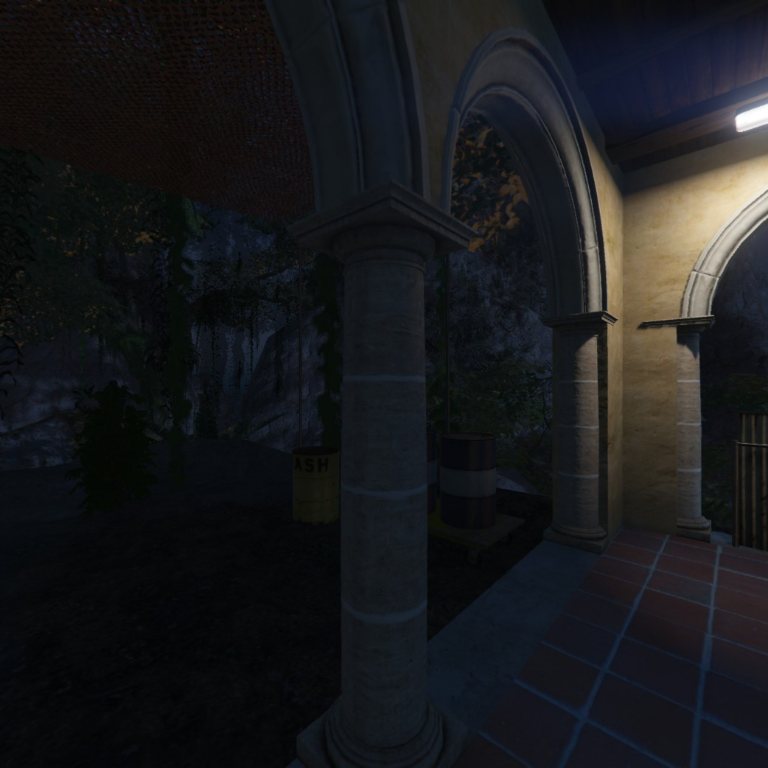
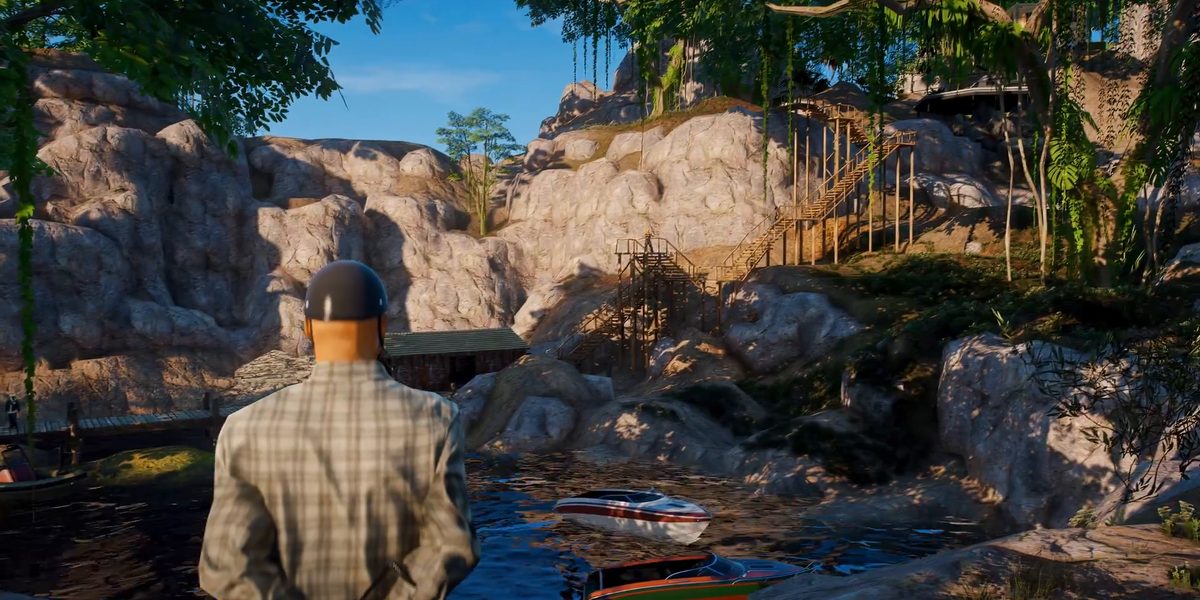
Actual in-game captures. Select an image to enlarge it.
Installation
Place the folder containing fxmanifest.lua at resources/[maps]/molo_narcos_island/. Keep its name and internal file structure.
Open the outer molo_narcos_island package folder and copy the inner molo_narcos_island resource folder into [maps].
resources/
  [maps]/
    molo_narcos_island/
      fxmanifest.lua
stream/- Back up your existing resource before applying an update.
- Copy the complete resource folder into the location shown above.
- Add the startup entry below to
server.cfg. - Restart the server, then check the startup console for resource errors.
- Connect and check map loading, room visibility, collision and access before opening the area to players.
ensure molo_narcos_island
Restart the server when updating maps. Schedule the update and let connected players disconnect before restarting the server. Restarting a map resource while players are connected can crash their clients, especially when the map includes audio.
Manifest & startup
The map uses the following resource manifest. Keep its streamed files, audio declarations and client scripts together.
fx_version 'bodacious'
game 'gta5'
this_is_a_map 'yes'
lua54 'yes'


dependency '/assetpacks'
Dependencies
Keep dependency '/assetpacks' in the map manifest. This is a manifest requirement; no ensure /assetpacks entry is needed. The manifest declares no ESX or QBCore requirement.
Map coordinates
The following coordinates identify the technical origin of the map interior (MLO).
MLO origin · X, Y, Z
local mapOrigin = vector3(6065.546875, -4338.919922, -187.432663)
For player teleports, set a destination at ground level using your server’s administration tools.
Room identifiers
Use these MLO and room identifiers when working with the map’s interior data.
| MLO identifier | Technical rooms (excluding limbo) | MLO position X, Y, Z |
|---|---|---|
hash_973b6e44 | room01 | 6065.546875, -4338.919922, -187.432663 |
Doors & elevators
The following door model files are included in the map resource. Use the model names and in-game entity positions when configuring your door-lock resource.
| Model filename | Path within map resource |
|---|---|
molo_narcos_compound_door.ydr | stream/molo_narcos_compound_door.ydr |
molo_narcos_compound_door1.ydr | stream/molo_narcos_compound_door1.ydr |
Interaction setup
Configure door permissions, interaction prompts and teleport destinations through the resources you use to manage server gameplay.
Setup advice
- Keep a backup of the complete resource before each update.
- Match the resource folder name to its
ensureentry. - Keep all supplied streamed files and audio in their original folders.
- Check overlapping map resources when troubleshooting missing or duplicated geometry.
- Use ground-level positions for player teleports and record door positions in game.
- Schedule a full server restart for map updates.
Frequently asked questions
Which resource name should I start?
Use ensure molo_narcos_island. The folder at resources/[maps]/molo_narcos_island/ must contain fxmanifest.lua.
How should I apply an update?
Back up the resource, copy the complete update and restart the server after players disconnect. A live map restart can crash clients, particularly when audio is included.
What do the coordinates represent?
They identify the technical MLO origin. Configure player teleport destinations at ground level with your administration tools.
How do I configure locked doors?
Use your door-lock resource to assign the door model, world position and access permissions.
What should I check if the map does not load?
Check the folder structure, the resource name in server.cfg and the presence of all supplied files. Read the server startup console for missing files or dependency errors, and check for maps covering the same area.